admin

admin

How to Manage MySQL Database from cPanel
To manage the MySQL Database from cPanel, follow these steps: It will take you to the Manage My Databases dashboard, as shown below – Here you will see your all database list 3. If you want to change your database…
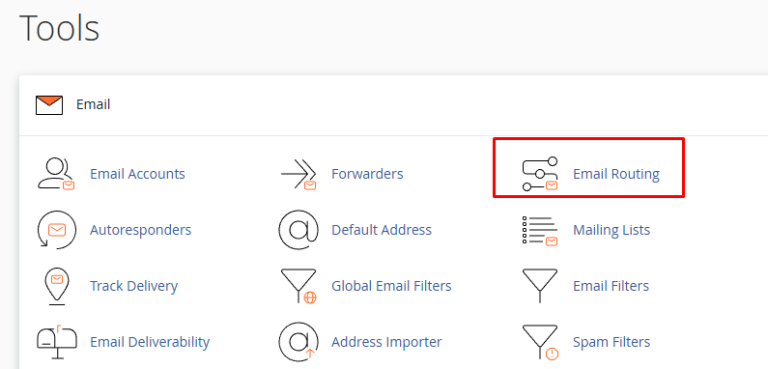
How to Configure Email Routing in cPanel

To Configure Email Routing in cPanel Follow the steps: 2. Select automatically select the configuration that is recommended. In these settings system will automatically adjust your routing setting according to your MX records. Click Change. You can change routing settings…

How to know your VPS Server SSH Port

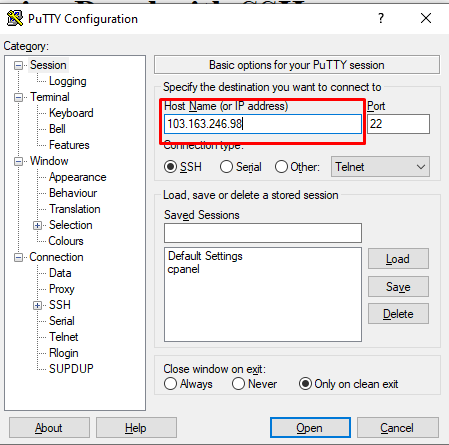
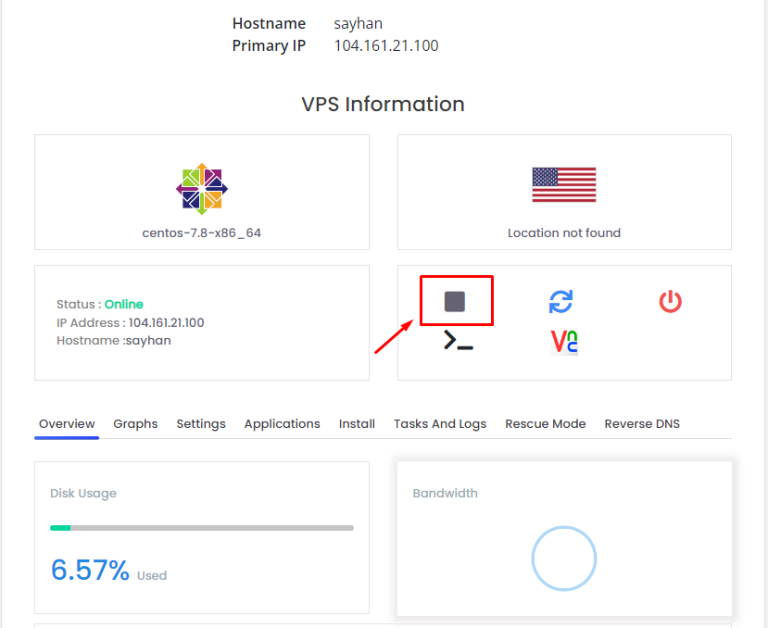
To know your VPS Server SSH Port follow the steps: 3. Scroll down a little bit 4. Click on the VNC icon, as below seen 6. Click Launch HTML 5 VNC Client It will open a window, as below seen-…

How to Redirect Domain from cPanel

To Redirect Domain from cPanel follow the steps: 2. Here first select the redirect type (permanent or temporary) depending on your need, then select the domain you want to redirect, then write the destination website where the domain will be…